CPU Pipelining, Explained with Robots
A computer has a clock. On every tick, the CPU gets another chance to move work forward.
To keep the picture simple, imagine that every instruction passes through three stages:
- Fetch — read the next instruction from memory.
- Decode — work out what the instruction is asking for.
- Execute — perform the arithmetic, logic, load, store, or branch.
Real processors split this work into more stages, but these three are enough to see the idea behind pipelining.
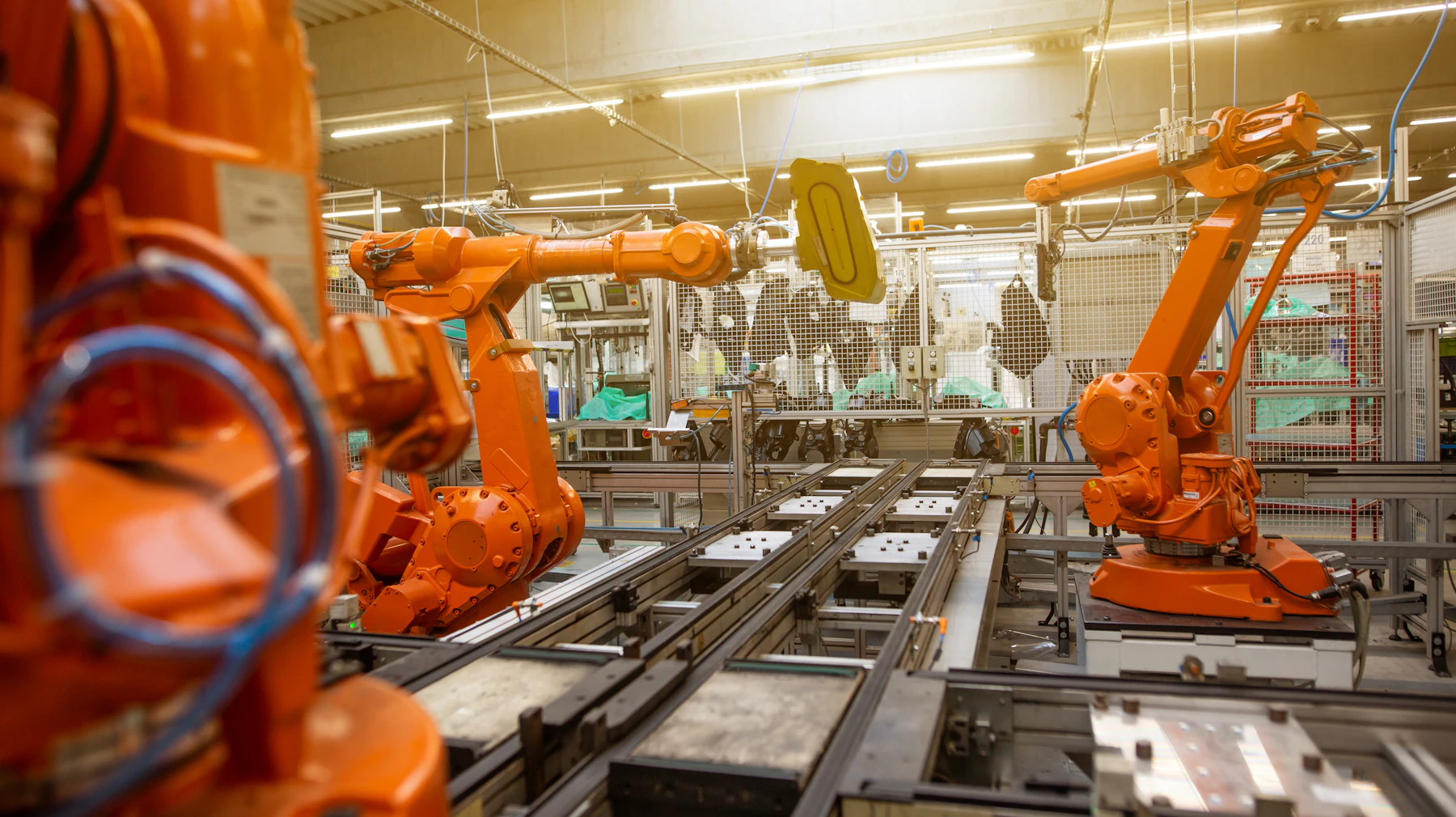
Photo: Simon Kadula · view the original on Unsplash · free to use under the Unsplash License
One robot, three jobs
Start with one robot responsible for the whole instruction. It walks to the fetch station, then decode, then execute. If each stage takes one clock tick, one instruction needs three ticks:
| clock tick | robot's job | result |
|---|---|---|
| 1 | fetch instruction 1 | not finished |
| 2 | decode instruction 1 | not finished |
| 3 | execute instruction 1 | instruction 1 completes |
The next instruction cannot begin until the robot returns to the fetch station. Fetch and decode sit idle during execution; decode and execute sit idle during fetch. The robot is busy, but most of the factory is not.
Three robots, one job each
Now give each stage its own specialist:
- robot 1 keeps fetching instructions;
- robot 2 keeps decoding instructions;
- robot 3 keeps executing instructions.
At tick 1, robot 1 fetches instruction 1. At tick 2, robot 1 fetches instruction 2 while robot 2 decodes instruction 1. At tick 3, all three robots are busy:
| clock tick | fetch robot | decode robot | execute robot |
|---|---|---|---|
| 1 | instruction 1 | — | — |
| 2 | instruction 2 | instruction 1 | — |
| 3 | instruction 3 | instruction 2 | instruction 1 |
| 4 | instruction 4 | instruction 3 | instruction 2 |
| 5 | — | instruction 4 | instruction 3 |
| 6 | — | — | instruction 4 |
This overlap is pipelining. Once the pipeline is full, an instruction completes on every tick.
There is one important correction to the tempting shortcut “three ticks becomes one”: a single instruction still travels through all three stages. Its latency is still about three ticks in this model. What improves is throughput — how many instructions the CPU completes over time.
For four instructions:
- one robot takes 12 ticks;
- the three-stage pipeline takes 6 ticks;
- a long, perfectly flowing pipeline approaches one completed instruction per tick.
The pipeline needs boundaries
At the end of each tick, small pipeline registers hold the output of one stage so that the next stage can safely use it on the following tick. They are the trays between our robot stations: fetch places an instruction on a tray, decode picks it up, and the clock decides when every tray advances.
This also means the clock can only run as fast as the slowest stage. If execute needs much more time than fetch, the whole line must wait for execute or split that work into more stages.
Why the robots sometimes stop
The perfect table assumes every instruction is independent and every stage is always ready. Programs are not that polite. A pipeline can be interrupted by hazards:
- Data hazard: instruction 2 needs a result that instruction 1 has not produced yet.
- Control hazard: a branch may change which instruction should be fetched next.
- Structural hazard: two stages need the same hardware resource at the same time.
The CPU can forward a result directly to a waiting stage, predict a branch, or pause part of the pipeline. A paused slot is often called a stall or a bubble. Those techniques do not change the basic idea; they help the robots keep working when dependencies get in the way.
The useful mental model
Pipelining does not make an individual step disappear. It overlaps different pieces of work so that otherwise-idle hardware becomes productive.
That pattern appears beyond CPUs. Compilers schedule instructions around dependencies. Databases overlap reading, filtering, and aggregation. Distributed systems pass work through services while dealing with queues and backpressure. In every case, the interesting questions are similar: where are the stages, what can run at the same time, and what dependency forces the line to stop?
The small robot factory is only a model, but it gives me the right first question when looking at a processor: not “how fast is one robot?” but “how much work can the whole line finish on every tick?”